


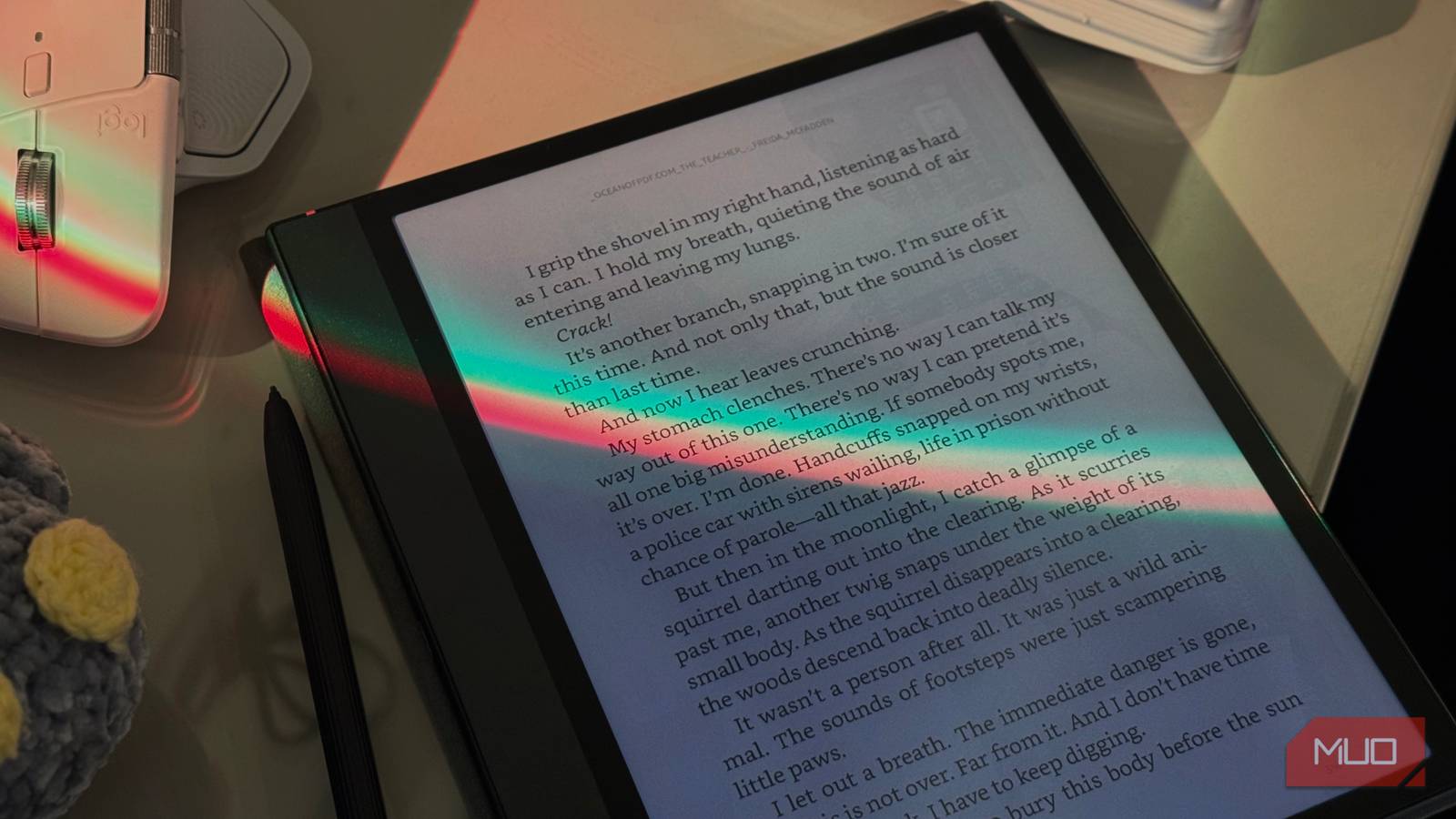
While I always thought iPads were the most pointless Apple devices (sorry iPad kids), I only saw the appeal of them when I started seeing students around me (online and in class) using them for all their note-taking. Suddenly, the hype made sense, and before I knew it, I had spent over $700 on an iPad Air, an Apple Pencil, a fancy keyboard like the Logitech Pebble Keys, and all the other shiny accessories that come with it.
After going hands-on with one, not only have I finally gotten back into the reading habit I lost years ago, but I’m also convinced that dedicated e-ink tablets are better than iPads. Here are 4 reasons why they come out on top.
E-ink is better for your eyes (and brain)

The primary difference between an iPad and an e-ink device lies in the underlying display technology. iPads use LED or OLED displays, while e-ink devices use well, e-ink.
Instead of emitting light like iPads do, e-ink devices reflect ambient light, similar to real paper. You know how your eyes start to feel like they’re on fire after staring at your phone, laptop, or iPad for hours on end? With e-ink, that doesn’t happen.
Similarly, ever since I started using an e-ink tablet, I’ve also started sleeping a lot better. Because you aren’t staring directly into a light source, your circadian rhythms remain largely undisturbed. Standard tablets blast blue light into your retinas, tricking your brain into thinking it’s high noon even at midnight, which ruins your sleep quality. E-ink bypasses this entirely, allowing you to read before bed without sabotaging your ability to fall asleep.

My e‑reader now doubles as a notebook thanks to this stylus
Move over iPad, my e‑reader now does it all.
I stare at screens all day. I write for a living, meaning I spend half of my day in front of a computer as-is. I’m also a Computer Science major, which means I spend my classes coding on my laptop or note-taking on my iPad. Even just substituting an e-ink tablet for a portion of that screen time, reading textbooks, reviewing notes, or annotating papers, has made a huge difference.
They stick to the job you bought them for
As I mentioned above, I bought my iPad for note-taking. I’m a full-time college student, and the way I justified my purchase was that I’d do all my college note-taking on it, handle assignments, and prep for exams.
Now, here’s the thing: there are times when I do everything on my iPad, watching the latest episodes of Stranger Things, using it as a second monitor for my MacBook, playing a random game I came across on TikTok, and even taking work meetings, yet somehow, the actual note-taking bit often falls to the bottom of the list. The device that I bought to help me focus on studying ended up becoming nothing but the ultimate distraction money. And when you put that into perspective, you’re essentially losing both time and, in the bigger picture, money.
E-ink tablets, on the other hand, technically come with some of the usual distractions. You can download social media apps, Netflix, or YouTube, but thanks to the slow refresh rate and the e-ink screen, scrolling through feeds or watching videos is painful at best. The hardware itself nudges you to stay on task, so even when the distractions are there, you’re naturally drawn back to reading, annotating, or taking notes.
E-ink tablets can be used in broad daylight

While this is a relatively minor point, something I absolutely love to do is switch around my study spots. Sometimes I’m in my room, other times I’m on the balcony or at a nearby café. With an iPad, as soon as you step into sunlight, you’ll mostly see your own reflection and struggle with glare even when your device is at max brightness.
In most cases, your iPad will also begin acting up! It’ll begin overheating, dimming the screen, or draining the battery faster— just when you need it the most. With an e-ink tablet, though, none of that happens. In direct sunlight, an e-ink screen looks crisp and perfectly legible, making it the superior choice for working outdoors or in bright environments.
The battery life isn’t even close

As someone with multiple devices to plug in every night (and also the memory of a goldfish), there have been more times than I can count when I’ve reached campus and realized my iPad is dead.
Even the latest and most powerful iPads need to be plugged in every day (or sometimes twice a day) if you actually use them for note-taking, browsing, or media. In contrast, e-ink tablets sip power so efficiently that a single charge can last days, sometimes weeks, depending on usage.
iPads and e-ink tablets cost roughly the same
E-ink tablets from companies like Remarkable and Onyx Boox cost roughly the same as an iPad. For instance, my Boox Note Air 4C retails for $609 with the stylus and a case. On the other hand, the base level iPad (not Air or Pro)starts at $349, and shoots up to roughly $440 when you add in the Apple Pencil.
Given that you’d likely need more internal storage on an iPad, plus a keyboard or other accessories, the price quickly climbs past $500, putting it right in the same ballpark as an e-ink tablet. The key difference is that with the e-ink device, every dollar goes toward a tool that actually does what you bought it for: distraction-free reading, note-taking, and studying, without draining your eyes or battery.
